

YoLink Uno 2.4G WiF Wireless Home Security Camera Indoor, for Baby and Pet Monitor, 1080p Dog Camera with Phone App, Night Vision B/W, 2-Way Audio, 64G SD Card Included, 360°
Original price was: $49.99.$39.99Current price is: $39.99.


Price: $49.99 - $39.99
(as of Oct 09, 2025 00:56:49 UTC – Details)
From the brand
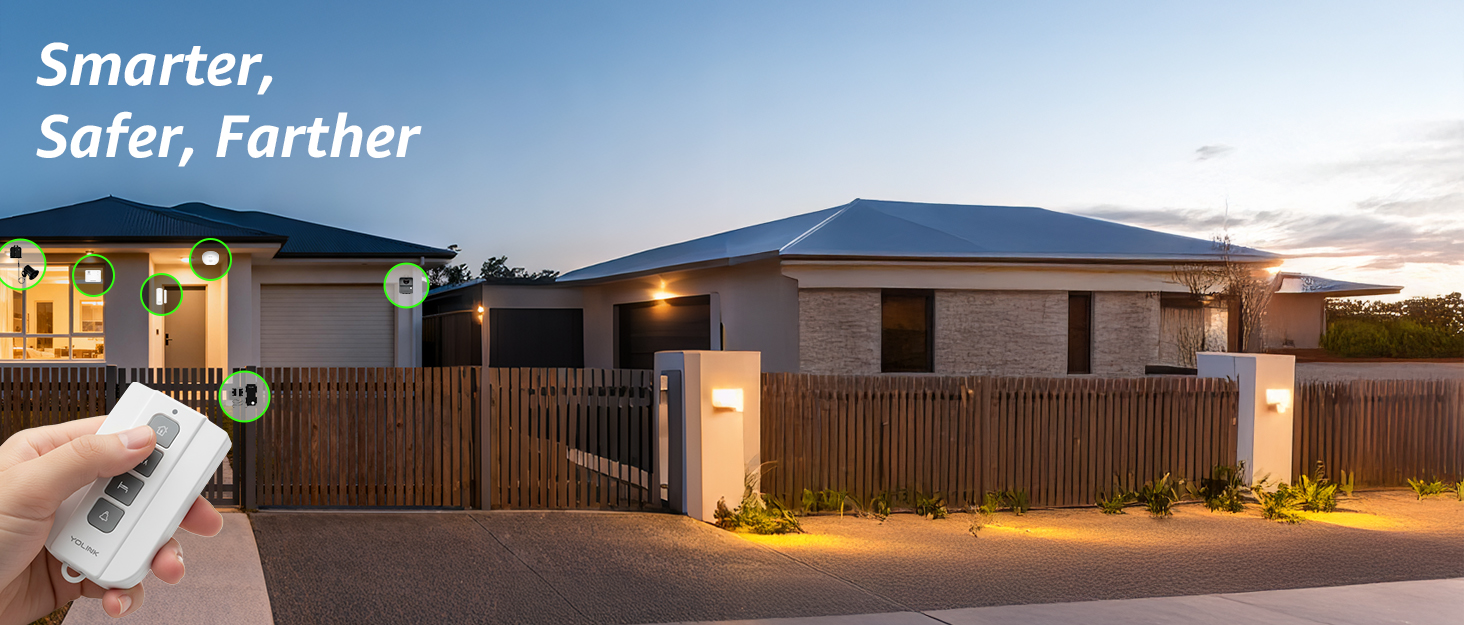
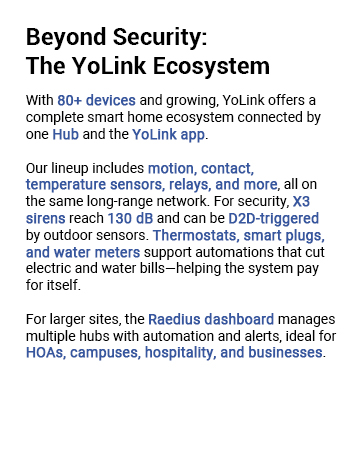
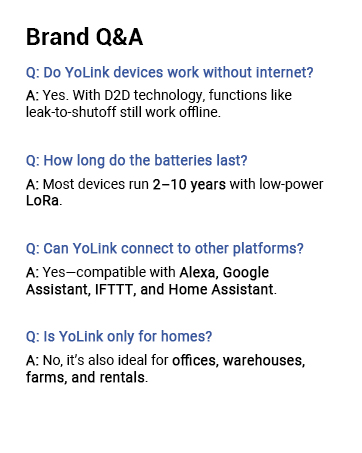
HD Video Quality for Clear Monitoring – Enjoy 1080p Full HD video, providing crystal-clear footage day and night. Monitor your home, office, or baby’s room with exceptional clarity, even in low-light conditions.
Infrared Night Vision for 24/7 Security – With enhanced infrared night vision, the YoLink Uno WiFi Camera ensures your space is protected around the clock, capturing clear footage in total darkness for continuous peace of mind.
Two-Way Audio for Real-Time Communication – Stay connected with your loved ones or pets by using the camera’s two-way audio feature. Easily communicate through your smartphone, whether you’re at home or on the go.
Instant Alerts & Motion Detection – Get notified instantly when motion or sound is detected. Whether you’re protecting your home, office, or pet, the camera sends smart alerts directly to your phone to keep you informed of any activity.
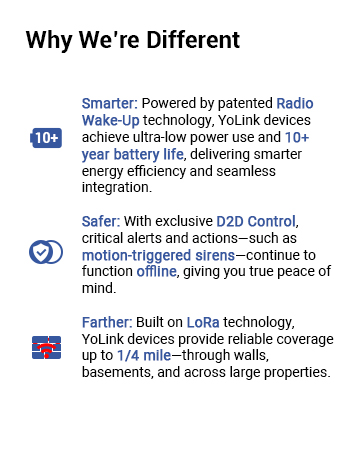
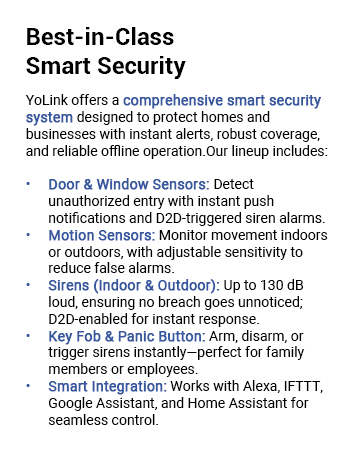
Integration with YoLink Smart Devices – Create a seamless and automated home security system by connecting your YoLink Uno Camera with other YoLink devices like locks, sirens, and sensors. Enjoy smart automation that triggers actions across your home when motion is detected, or integrate with other devices for enhanced protection.
Preset Locations & Quick Access – Customize your security experience by setting preset camera positions, allowing you to quickly jump to important areas. With one tap, you can adjust the camera’s view to monitor key zones of your home or office.
Easy Installation & Remote Access – The YoLink Uno WiFi Camera is easy to set up and provides wireless connectivity for hassle-free installation. Monitor your home from anywhere using the YoLink mobile app, giving you real-time access to live video and recorded footage.
Customers say
Customers find the security camera easy to set up and appreciate its clear picture quality, particularly its night vision capabilities. The camera receives positive feedback for its motion detection features, with one customer noting it records for 10 minutes when motion is detected, and they consider it good value for money. The functionality and WiFi range receive mixed reviews, with some customers reporting reliable performance while others experience connectivity issues.
11 reviews for YoLink Uno 2.4G WiF Wireless Home Security Camera Indoor, for Baby and Pet Monitor, 1080p Dog Camera with Phone App, Night Vision B/W, 2-Way Audio, 64G SD Card Included, 360°
Add a review
Related Products


Original price was: $49.99.$39.99Current price is: $39.99.

C Eaker –
Good first edition of a hopefully expanding YoLink IP camera lineup
Camera setup was a breeze. There are two methods currently, one involves resetting the camera into setup mode where you use your smart phone to let the camera see a QR code that then allows the camera to connect using your selected WiFi network. The second method, the one I used, you simply connect to the camera’s own local WiFi once it powers up and then use the YoLink to app configure it from there. Note that the camera only supports 2.4 GHz WiFi.Once connected, the camera shows up like every other YoLink device in the app with its own widget showing the last image seen and its WiFi signal strength plus online status. Clicking on the widget opens up a live view of the camera (yes, it works remotely, you don’t need to be on the same network) with mic/audio, motion arrows for changing the camera’s view, and a lot of other settings you can configure, including video resolution, stored video recordings, video flip (for mounting upside down), snapshots, etc. You can also configure multiple “favorite” view positions so you can easily point the camera at different things while live streaming. Camera motion via the app is smooth and responsive. Camera motion is completely contained, meaning nothing swings out past the device housing during movement, which is nice if you have limited space options or have things near the camera housing.The camera comes preinstalled with a 64 GB Lexar microSD card. This can be replaced with a microSD card up to 128 GB in capacity. I replaced mine out of the box with a Samsung Pro Endurance 128 GB card because I plan on leaving it recording 24/7. Note that when formatting the card, the app is not very good at giving feedback on how long the process will take or how long it has left to complete. When I formatted the newly installed card, the whole process took about 1 minute and the only way I knew it had completed was when the app storage capacity finally updated to 119 GB total.The camera had a firmware update available immediately upon installing, which I applied. This is one thing I don’t like about YoLink – they often have updates available, but you don’t know unless you check (there’s no setting to automatically inform you of this). And when you apply them, the feedback on how long the process will take or even if it has completed is not great. The app still showed an update is available even after the camera had rebooted itself and it wasn’t until much later that the app finally synced that the camera had been updated.Stored 24/7 video is easy to access and peruse via the app even when viewed remotely. The camera can be configured to record full time (24/7) or only when triggered by motion/person/audio detection. The camera imprints a date/time stamp in the upper right corner of the video and currently this cannot be changed.Motion, person, and sound detection sensitivity settings range from off, low, moderate, medium, high, and critical. Person detection is just OK, not great and will sometimes trigger when there is no person present.The camera has adequate 2-way audio and it will announce things, such as when it first boots up and connects to WiFi. It won’t win any audio fidelity awards, but voices are clearly discernible with a slightly tinny sound due to audio stream compression. Audio volume is controlled by the app and at the highest setting has some static and clipping but is clearly heard even in a large room.Night vision is good, but not great. This isn’t a high priority for me, so I’m not deducting from the rating, but if night vision is critical to you, it may be an issue. It can be configured on, off, or automatic.Mounting options are somewhat limited – there is a plastic base plate that the camera can slot into which is supplied with 3 screws & drywall anchors. Wish they had more options and wish it had a universal 1/4″ female camera mount on the bottom like a lot of other cameras do. Note that you must be careful if you use any sort of clamp around outside of the base because the rotation of the top portion of the camera can be impacted if the sides of the camera are pressed in with any force.One last thing to note, this is a WiFi connected camera, which means it is range limited by your WiFi network, unlike most other YoLink devices which use LoRa technology for ranges up to 1/4 mile. As of this review, supposedly YoLink is working on a LoRa camera, and I’ll be interested to see what they come up with because LoRa has somewhat limited bandwidth compared to WiFi.Overall, I’m satisfied with the camera as a first installment in a hopefully expanding YoLink IP camera lineup.Things I’d like to see in the future: a camera housing rated for outside use, a universal 1/4″ female camera mount on bottom, more power options (such as PoE), better than 2 MP sensor, better night vision, higher microSD storage capacity limits (256 GB+), the ability to add the name of the camera to the video feed plus configure the embedded date/time, and possibly saving of the audio/video stream to the cloud.
ShoppingReporter –
Best Alarm System Products I’ve Ever Had!
This camera is amazing! It’s easy to install, quickly connects to the rest of an YoLink alarm system, and works in five minutes. I couldn’t figure out how to reset the “scenes” on the system to make it stop triggering when I walked past it (but I’m glad it triggered!), so I had to CALL YoLink to get help. (Imagine that? Being able to CALL tech support on the phone?) In fewer than 10 minutes, the young man who answered helped me properly reconfigure my system so the camera only triggers as an alarm when I leave and tap “out” mode. I was thrilled and now I’m back to work. I love these products!
Raelynn –
Awesome camera – no extra fees!
Really impressed with this YoLink camera. Picture quality is clear, the 360° view is smooth, and motion alerts work great. For the same price as others, you get way more. It comes with a 58GB SD card, so no monthly fees or subscriptions needed. It records on its own and loops automatically very convenient. One of my other camera charges $9.99/month for cloud service — no way I’m paying extra for that!
Renny Soylent –
Great once configured
Nice camera but QR code configuration doesn’t work directly – had to take pictures of QR code, invert B&W image, and scan inverted image to configure – not intuitive at all. Once configured works well and integrates with other yolink devices like alarm etc.
Robert –
Perfect Intro to a Crowded Market
This works better than a $350 baby monitor and it adds PTZ functions with great low light resolution with only minor smearing (shutter speed). For the price you’d be hard pressed to find a better option imo.That said. I’d like to see a (slightly) heated environmental enclosure for outdoor use, just a small AR coated dome- maybe a $29 option?? Yolink is making a real name for itself, they just need to keep applying pressure to the market with new designs and features. I’ve already purged my home of cancerous Netgear “Arlo” products and went with Yolink to supplement my POE CCTV and hardwired alarm. Why on earth would you pay a subscription? – c’mon people, don’t be so eager to waste money!To the reviewer that had issues. This is legit super easy. If you had issues you need a monthly service like ADT or similar for a turn key (hands off) system. It really cannot get easier than scanning a QR and hitting an “add” button lol.
Ceolwynn –
Non-Working power supply
I have been buying and installingYolink gear for the last 3 monthsand this item is the first issue ofany kind.the power supply for this cameradoesn’t work. the camera and itsincluded cord work with 8 otherUSB power sources but not theone included with it. nothing…
Thomas Robertson –
Unlike other YoLink products, it has limited WiFi range
This little camera has excellent video offering clear images and reliable notification of movement within it’s field of view. It was also very easy to set up and integrate into the YoLink App. On the negative side, I found the camera to have very limited WiFi range. I bought the camera as a replacement for a camera that was in my backyard patio in a protected location. The camera I wanted to replace had solid WiFi connectivity, the Yolink camera was very unreliable until it was moved indoors. An external antenna would have worked much better, but it has is some sort of internal strip antenna. I also don’t think it would make a great security camera due to it’s lack of ability to exclude areas within it’s field of view and it’s use of comparative frame analysis instead of a PIR to trigger alerts. In other words, sudden changes in light will trigger a false alarm.In summary, I think the camera makes a great pet or room monitor. Great little camera if you already have a YoLink system and want to integrate a camera into it. If you don’t have a Yolink system, or don’t intend to set one up, I would look at other stand-alone cameras.I gave it three stars because of it’s WiFi range but am otherwise satisfied with it and did not return the camera.
kcwcc –
I have so many YolInk products. As an Electrical Engineer and designer I appreciate the quality of these products. Well written manuals and QR code setup. Fantastic! This camera was set up an running in the app literally within 2 minutes. I use this camera to monitor my little 3D print farm and, in conjunction with the great YoLink controllable outlets, can easily power off any machine for any reason. Great to power off the printer when prints are finished as well. You do give up privacy using cloud based products like this, and I am acutely aware of this, but this is not used as a security camera only as a monitor so I am not concerned. You’ll like this. Pan and tilt work great too!
gervais gauthier –
appli en anglais je lai fait installé par un amie je ne parle pas anglais
Unknown –
Works great, love the Yolink group, camera was easy to set up and its very clear and operates great.
Franck –
You can pre-define video recording zones. And put a zone in neutral (at the bottom) to be sure that it does not film when the family is in the house.You can enlarge zones. Integrates well with the Yolink Hub and other products. Super easy to install.